
So I have been using Linux for about a month now as my main working system, every day. So far, so good.
So, have I gone into Windows, and have I missed using Windows?
Yes, no... is the answer yes? 😂
I have gone into Windows, but usually just to get some information about the system for these articles, nothing more. I have not written any music since using Linux full time... and no, I have not missed Windows at all.
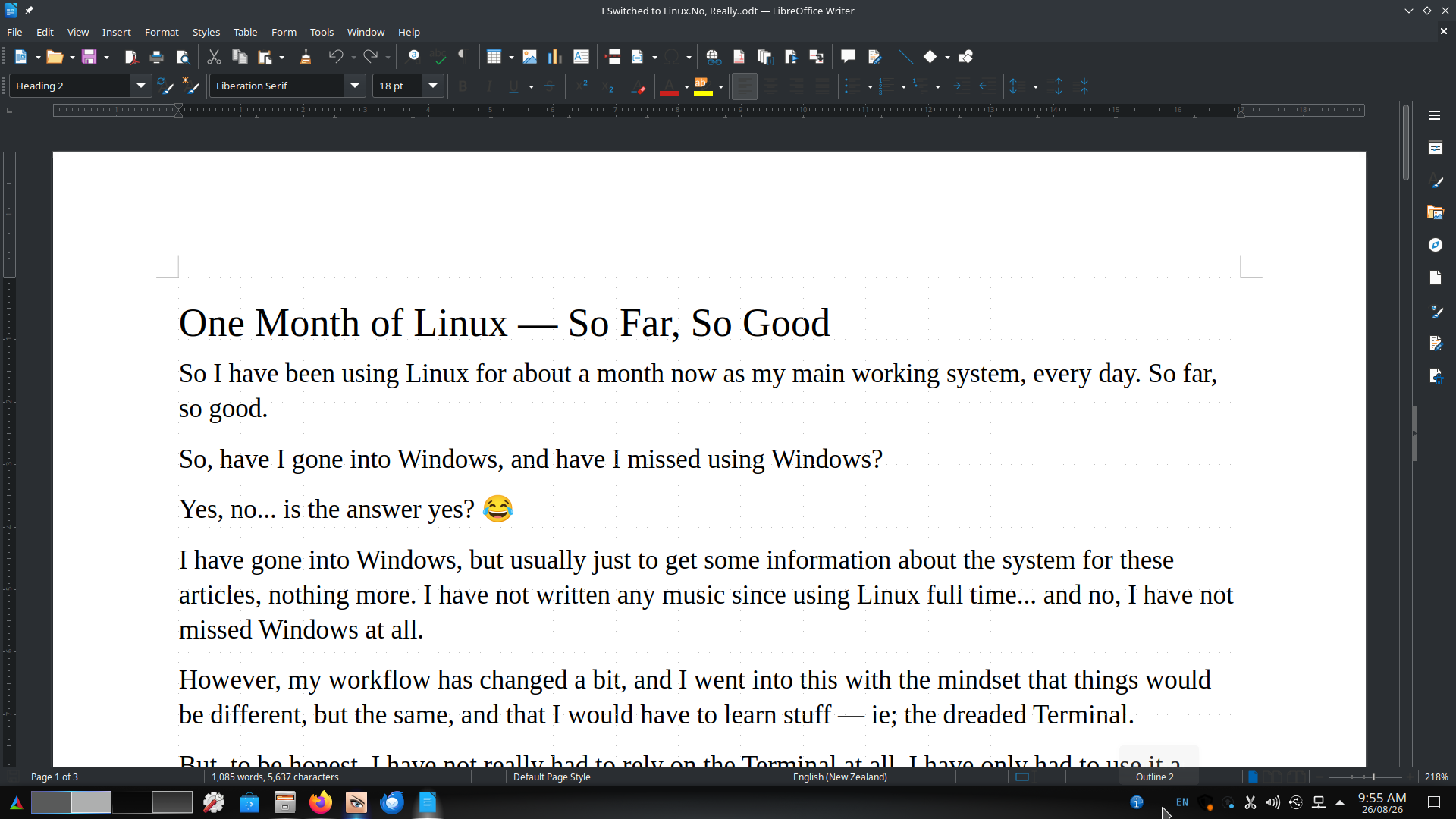
For those that do not know, I used to do graphic design professionally, so I have spent a lot of time using various graphic design and DTP applications over the years, including CorelDRAW, Affinity and the Adobe applications.
So when I talk about applications like Inkscape, GIMP and Scribus, I am not coming at them completely fresh. I have a pretty good idea of how these applications work, what I expect them to do and, probably more importantly, how I expect them to do it.
That probably makes the learning curve a little different for me. It is not really learning graphic design again, it is learning where everything is and what Linux applications call the things I already know how to do. 😂
However, my workflow has changed a bit, and I went into this with the mindset that things would be different, but the same, and that I would have to learn stuff — ie; the dreaded Terminal.
But, to be honest, I have not really had to rely on the Terminal at all. I have only had to use it a couple of times, maybe twice.
I have also changed the way I do things.
I originally was going to keep using Affinity for my vector design and even got it working under Linux using "WINE" and "Bottles". Though now, for some odd reason, it has stopped working.
However, I also started using Inkscape and, while at first it felt clunky and not as refined as Affinity, to be fair, it is more just a learning curve than anything else.
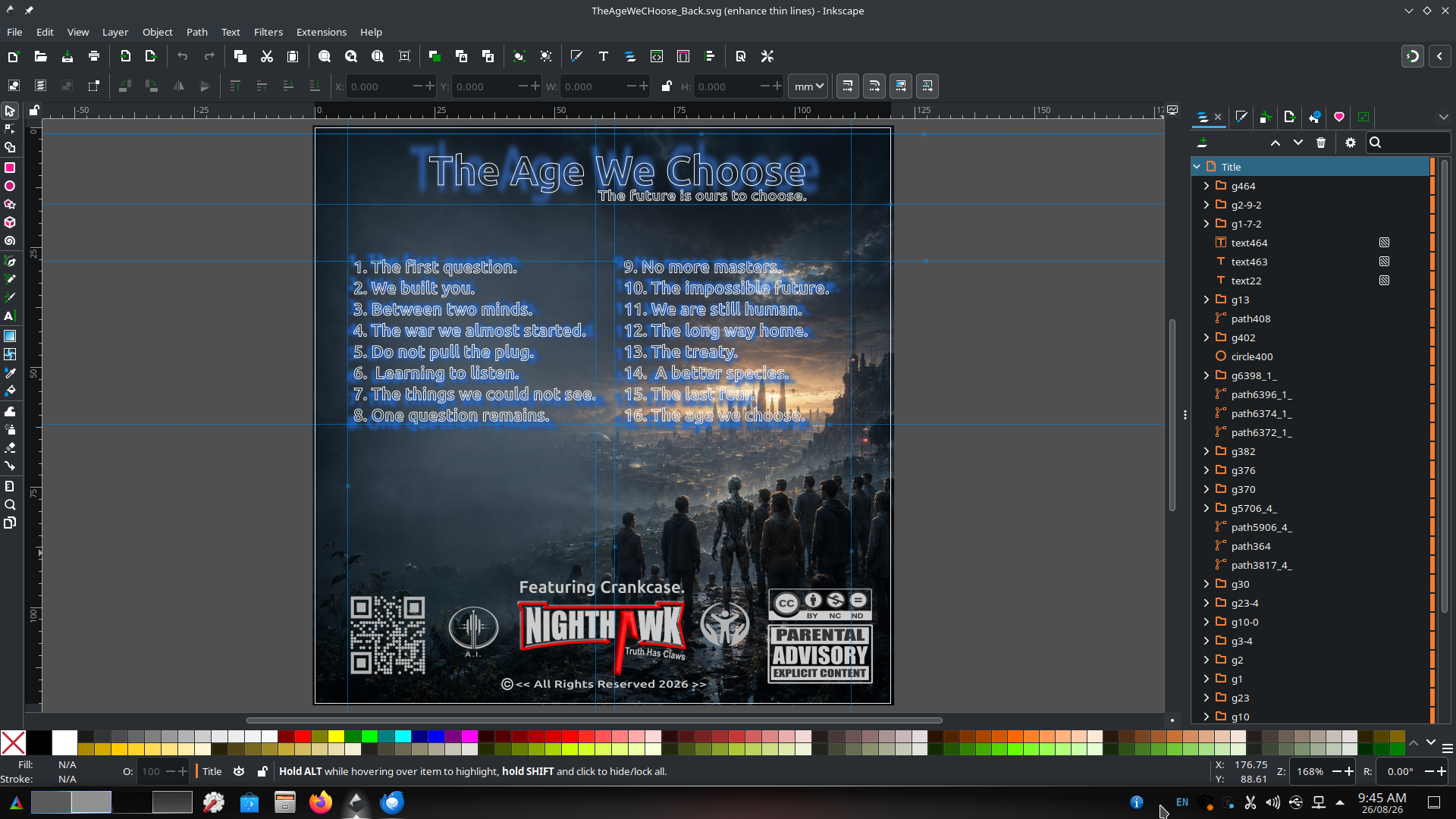
Ie; "Okay, how do I do this in Inkscape?"
Or:
"Oh, so in Inkscape it is called Union, not Weld as in CorelDRAW, or Add in Affinity."
However, most things are pretty similar, or similar enough, that the average graphic designer will be able to find their way around it in no time at all.
I have now done a couple of designs in Inkscape and am happy enough to keep using it and stop using Affinity.
That being said, if Canva ever make a Linux version of Affinity, I will be all over that like a rash. ;-)
READ MORE
My next challenge, and this one is a biggy, is GIMP.
This app does things so differently that it can be a decent learning curve, and I have not had enough time using it yet to give my judgement.
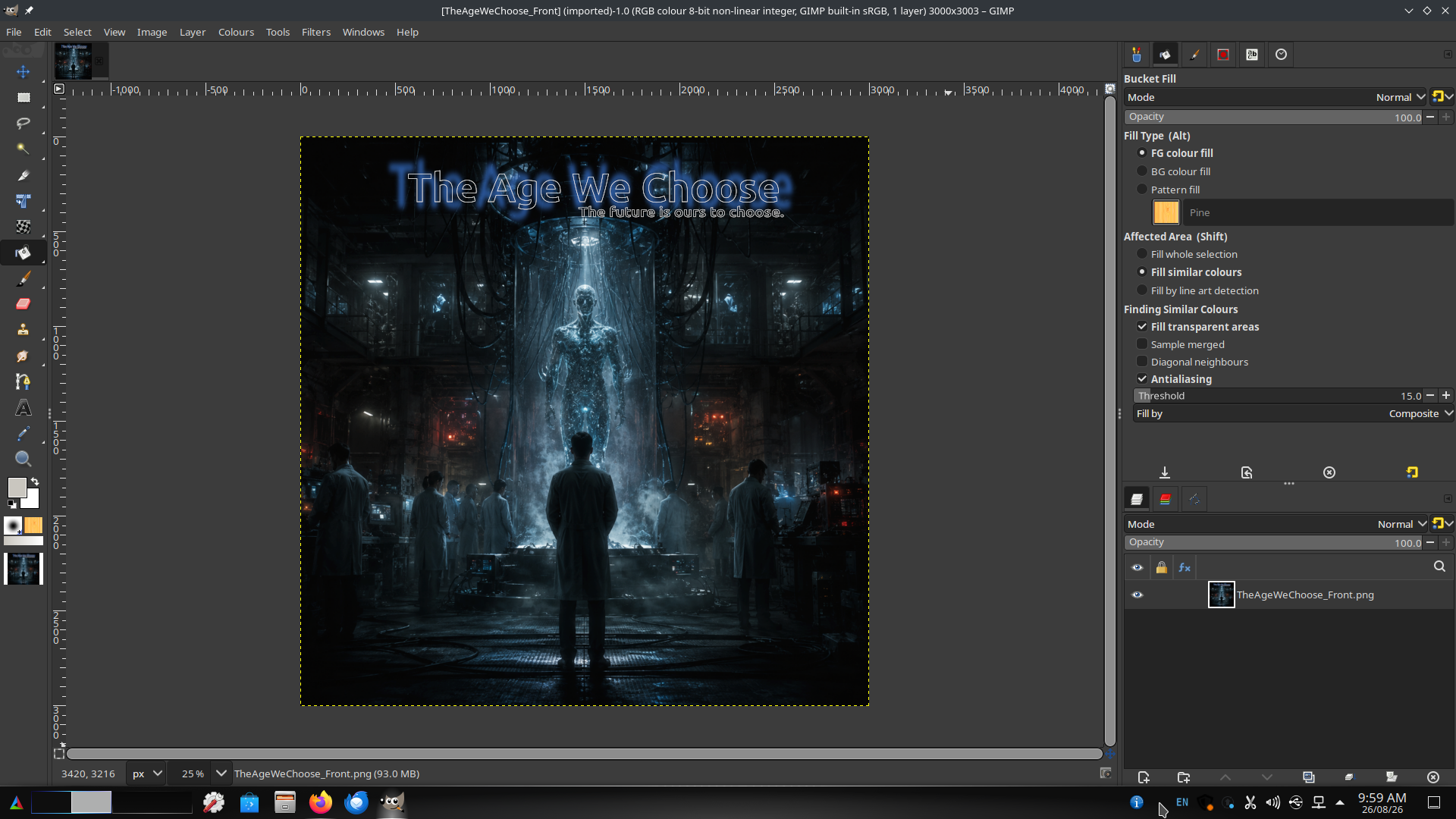
I do know the one thing missing is CMYK export. It just means that if I need that for taking a project to the printers, then there is an extra step and tool I need to convert the images over.
I have not found an app I like yet, but there are also free websites that can do this for you.
I do have a backup or fallback plan for GIMP if I decide, "No, that is just not me," and that is the website called Photopea.
This is an amazingly well-done site that is a web-based photo image editor which looks and feels like Photoshop.
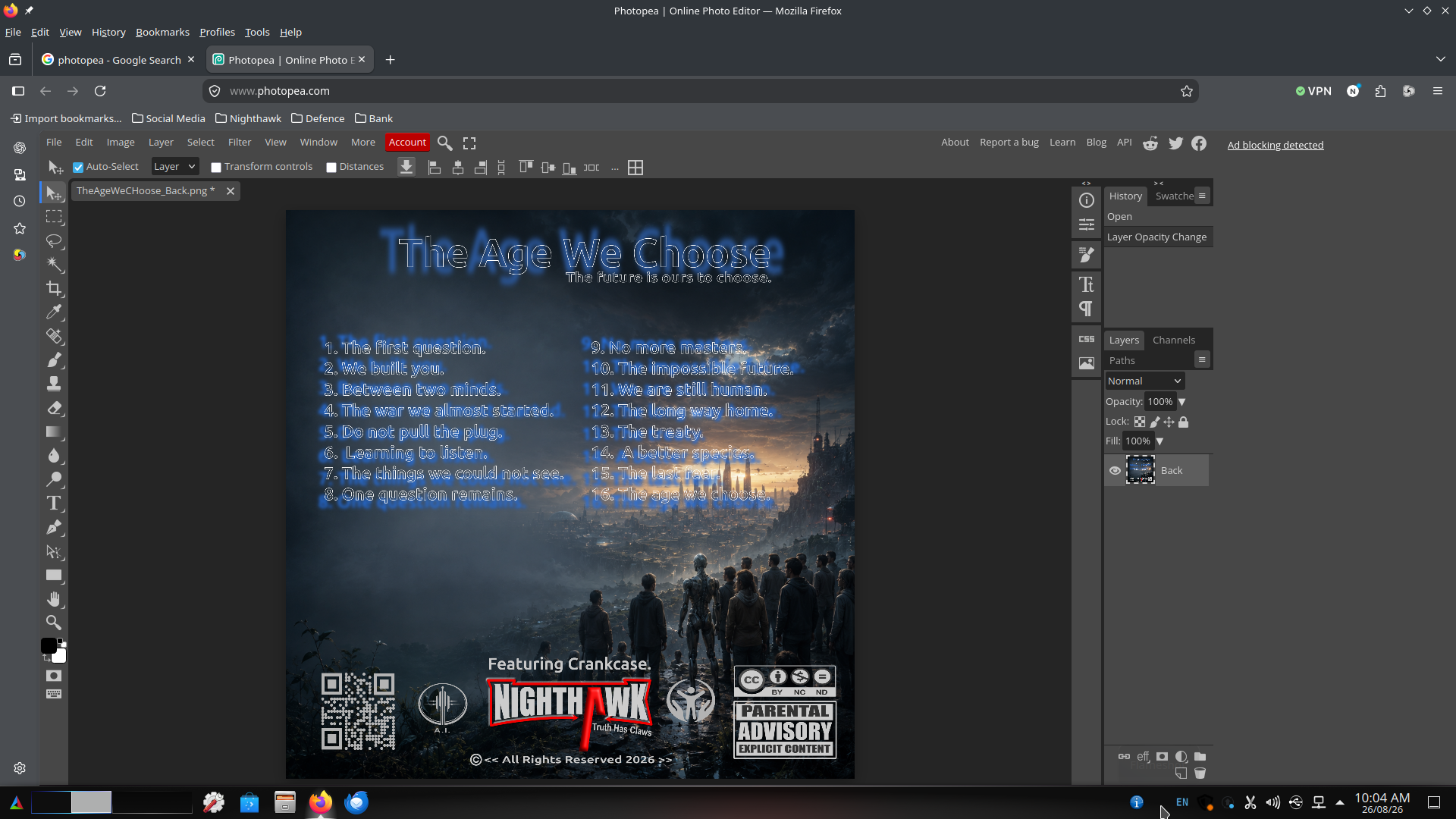
However, just be aware that this is a web-based application. It is free, with a small advert on the side. The Pro version is $5 and gets rid of this.
This brings me to the desktop publishing side of it all, and this is Scribus.
It is a full-on DTP app and similar to InDesign, PageMaker or QuarkXPress and Affinity Publisher.
The style of Scribus reminds me of QuarkXPress from back in the day, the way it does stuff, and I used to use QuarkXPress, so it is pretty familiar.
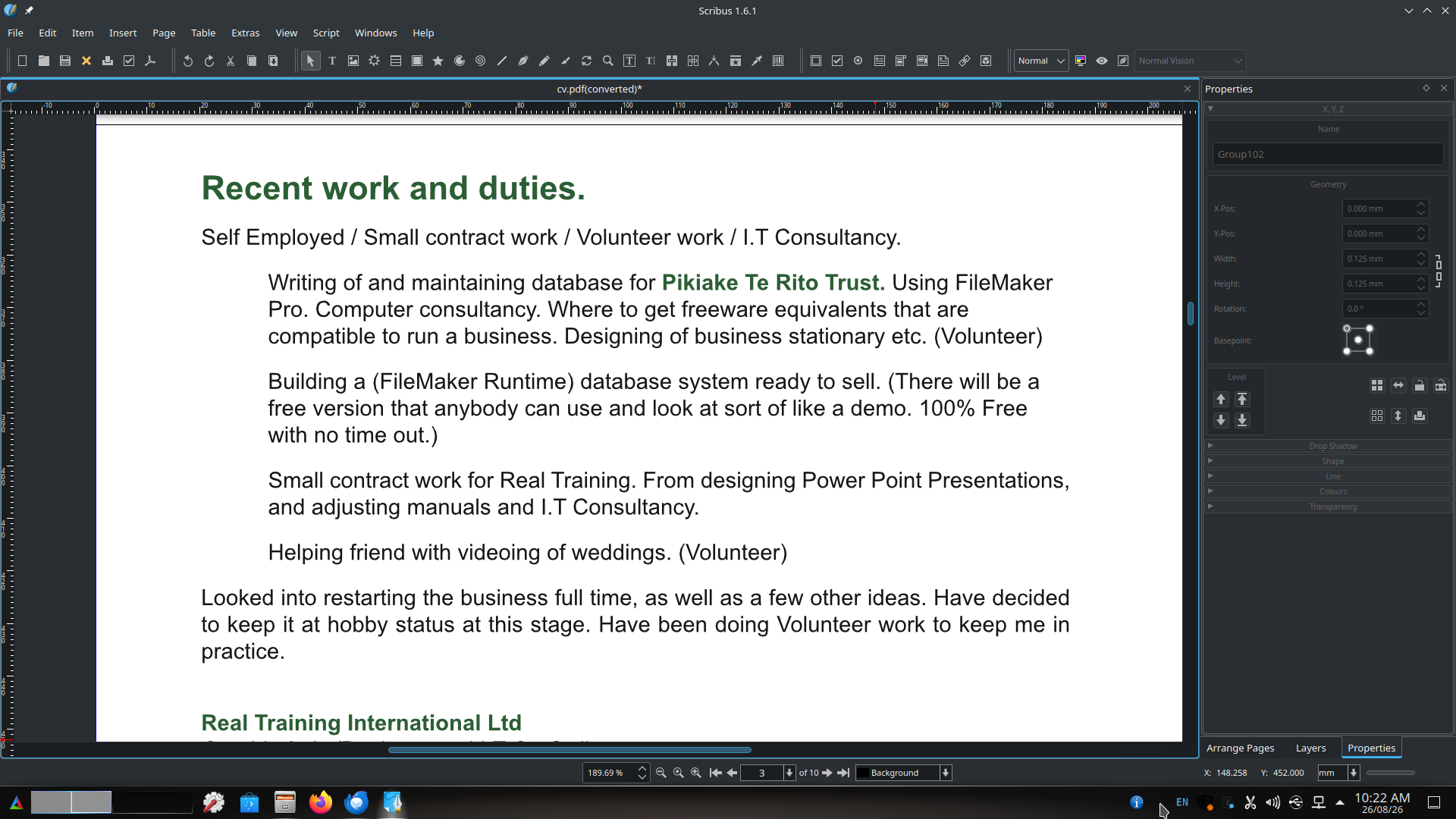
Also, I do not do a lot of desktop publishing anymore, but it is handy to know it is there if I really need it.
So I am now comfortable enough to drop Affinity from my Linux setup.
This just leaves FL Studio.
I will be experimenting with other native DAWs. However, I have unfinished tracks in FL Studio, I know FL Studio, and I like using FL Studio.
This is, in reality, the only app that is stopping me from 100% switching and dropping Windows by about 90%.
People have got FL Studio working in Linux successfully, but I use so many third-party plugins that it is not funny, and some — actually, many — of these do not work via "WINE" and "Bottles".
I could set up a full VirtualBox and run a full version of Windows. However, the issue there is system resources.
My Linux system is not the biggest and gutsiest system, with only 16GB RAM and a 256GB SSD. Even if Image-Line developed a Linux version, it would be installed on a different system.
The cool thing is that I can easily switch between the two systems at the push of a button. No dual boot, no Windows updates destroying or overwriting GRUB.
Again, the Windows 11 machine is fully isolated, with no access to any network or internet, and is stripped back to within an inch of its life — as far as I can take it without causing any stability issues.
So where does this leave me?
Well, to be completely honest, other than learning how to do stuff, which was expected, I can do 90% of everything on Linux without any issues what so ever.
I want to make music?
Push a button, wait five seconds, and boom — I am in Windows, and nine times out of ten FL Studio is already running, as that is where I left it.
Both machines can access all the external hard drives, so swapping files over is no issue at all. And, to be fair, I have not really needed to do this anyway.
So, after about a month in Linux, I am 100% happy and glad that I have done it.
No more Copilot in my face. No more adverts for more cloud space. No more Microsoft tracking my every movement on the net via the TPM chip (Trusted Platform Module).
Or, as I call it... The Not So Trusted Platform Module. 😁