Yes, the title is real. No, this is not clickbait.
After decades of using Windows, I have officially moved my primary desktop to Linux.
That doesn't mean Windows has disappeared from my desk. It simply means Windows is no longer my everyday operating system. However from today, Linux Mint and KDE desktop is.
Why I Switched
There wasn't one single reason.
Like many long-time Windows users, I've watched the operating system become increasingly focused on cloud integration, background services, AI features, advertising, telemetry, and online accounts. None of those things are central to how I use a computer.
I wanted an operating system that simply lets me work. and Linux offered exactly that.
The Journey
This wasn't an overnight decision. I spent time testing several Linux distributions in a virtual machine before touching any real hardware. That allowed me to experiment without risking my existing workflow.
Eventually I settled on Linux Mint. I looked at Debian, but for a desktop workstation I preferred Mint because it provides a polished user experience, excellent hardware support, and newer desktop software while still building on Debian's reputation for stability through its Ubuntu base.
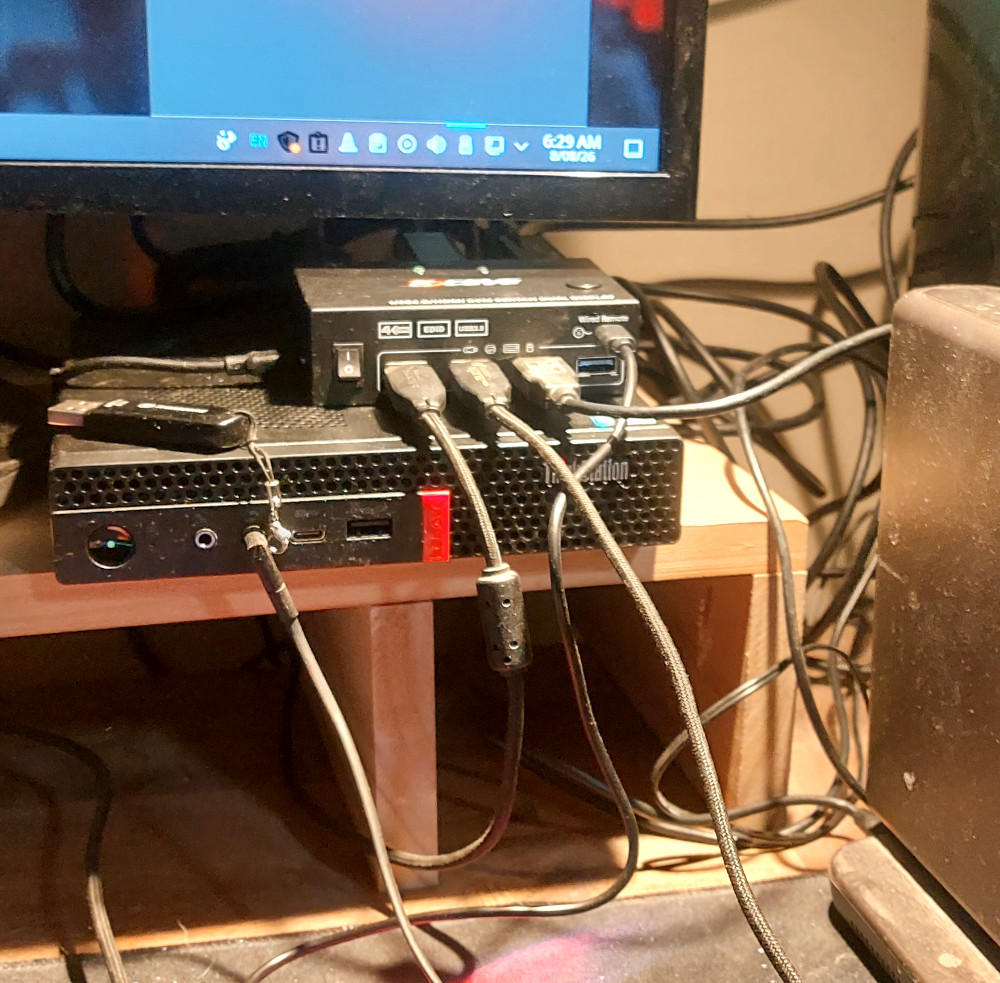
Once I was comfortable, I purchased a dedicated Lenovo ThinkStation P330 Tiny to become my Linux workstation.
Rather than replacing my Windows computer completely, I decided to build a dual-computer workspace.
My Setup
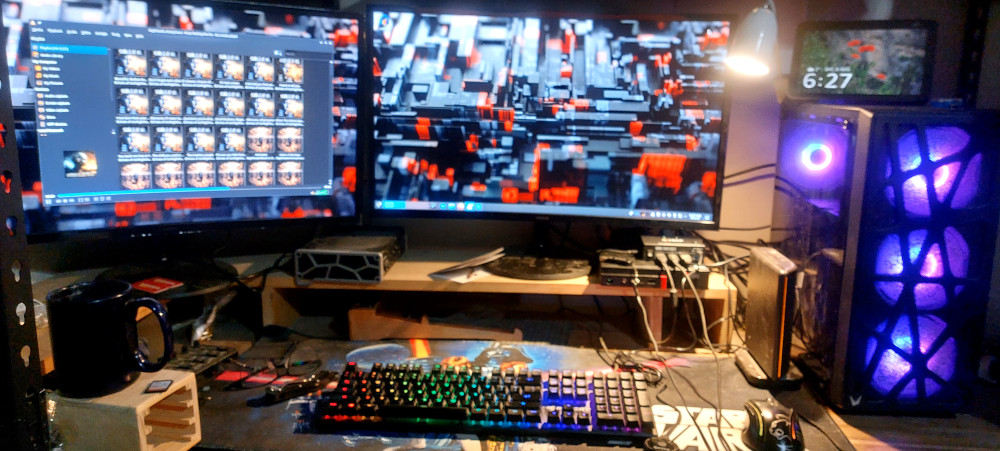
My desk now has two computers connected through a dual-monitor KVM switch.
The Linux ThinkStation has become my daily driver.
The Windows machine still exists, but with a much more focused role.
Linux Mint
This machine handles:
- Web browsing
- Office work
- Website management
- Graphic design where Linux tools are suitable
- General day-to-day computing
Applications include:
- Internet
- Firefox
- Thunderbird
- Office
- LibreOffice
- Graphics
- GiMP
- Inkscape
- Scribus
- Darktable
- DigiKam
- Multimedia
- VLC
- Video Editing
- KdenLive
I eventually experiment with gettingt DaVinci Resove to work on Linux however from my understanding it only supports one version of Linux. That also being said I do not do a lot of video editing any more. I have even retired my editing hardware Stream Deck, X-Keys Toggle.
- KdenLive
Additional software will be installed over time as my workflow evolves.
Windows
Windows is now dedicated to the software that genuinely requires it and If I find a suitable Linux alternative, or the developer releases a Linux version, I'll happily move that software across as well.
I have also stripped windows to its bare bones getting rid of as much bloat as I can
That currently includes:
- FL Studio
- Affinity
- Windows-only plugins and creative tools
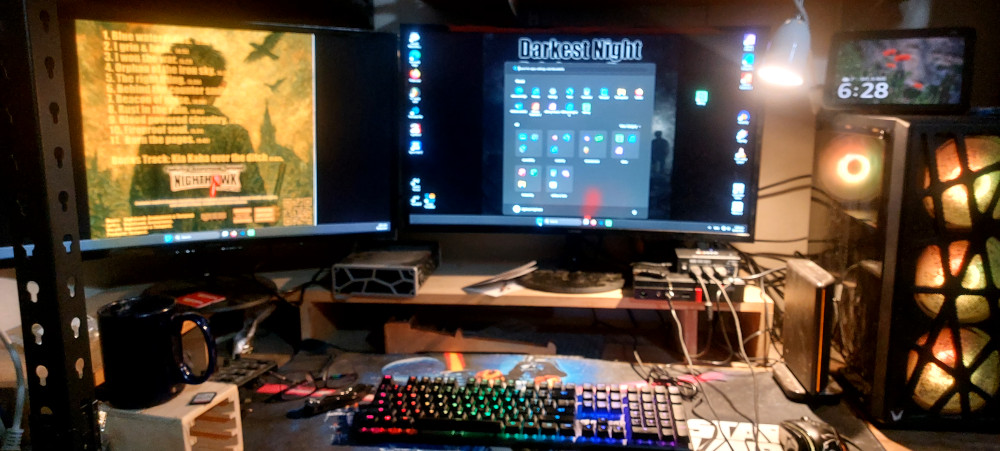
An important point is that this Windows installation is not connected to the Internet in any form and can not phone home. It exists purely as a production workstation rather than a general-purpose computer.
READ MORE
The Installation
One of the biggest surprises was just how uneventful the installation was. I booted Linux Mint from a USB drive, tested everything in the live environment, confirmed that my hardware worked correctly, dual monitors, sound, network etc and then performed the installation.
Everything important worked immediately.
- Dual monitors
- Keyboard
- Mouse
- Audio
- Networking
- External storage
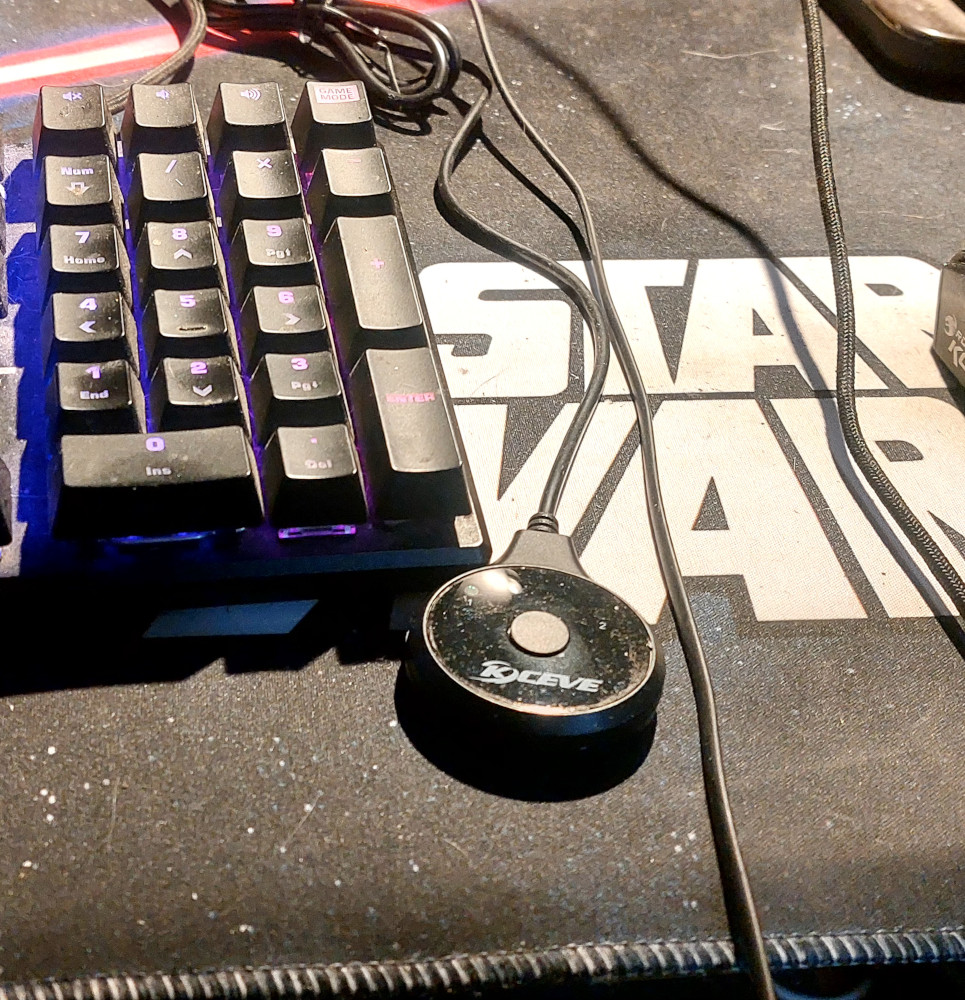
- KVM switching
Thunderbird connected to my existing email accounts without drama. Firefox imported my saved passwords. Overall, the transition was remarkably smooth.
There were small things to learn, as there always are when changing operating systems, but there were no major roadblocks.
One thing I'd like to point out is that, so far, I haven't needed to use the dreaded Terminal at all. That said, I'm not afraid of it. If I need to use it in the future, I'll simply learn what I need to know.
Things That Still Need Doing
No migration is ever completely finished.
There are still a few jobs left:
- Fine-tune the desktop environment.
- Install the occasional application as I discover I need them.
- Improve my headset switching between Linux and Windows.
- Continue learning the Linux way of doing things. (Terminal)
- Tidy up the cable management under the desk. It works perfectly, but it currently looks like a spaghetti factory exploded.
Those are refinements rather than problems.
What About Windows?
Contrary to what some people might think, this isn't an anti-Windows article.
Windows still has some excellent software that I rely on professionally. FL Studio still remains my music production platform. Affinity remains one of the best creative suites I own. Gone are the days I was CorelDRAW and Adobe.
Rather than forcing replacements where none are true equal, I have simply assigned each operating system the jobs it does best.
Linux has become my everyday environment. Windows has become a specialised creative workstation.
The important note here is the Windows machine is not connected to the network or internet in any form and can not force updates and or phone home.
Final Thoughts
People often ask whether switching to Linux is difficult. My answer is: not anymore.
Modern Linux distributions have matured enormously. If your hardware is compatible and you're prepared to spend a little time learning something new, the transition can be surprisingly painless.
Will I ever use Windows again? Of course. My Windows workstation is still there whenever I need FL Studio, Affinity or other Windows-only software. In fact, switching between the two computers is as simple as pressing the button on my KVM switch.
But for the first time in many years, Windows is no longer the operating system I start my day with.
Linux is.
And so far, I have absolutely no regrets.